
 Book an Appointment


Clinical review completed: 13 September 2026
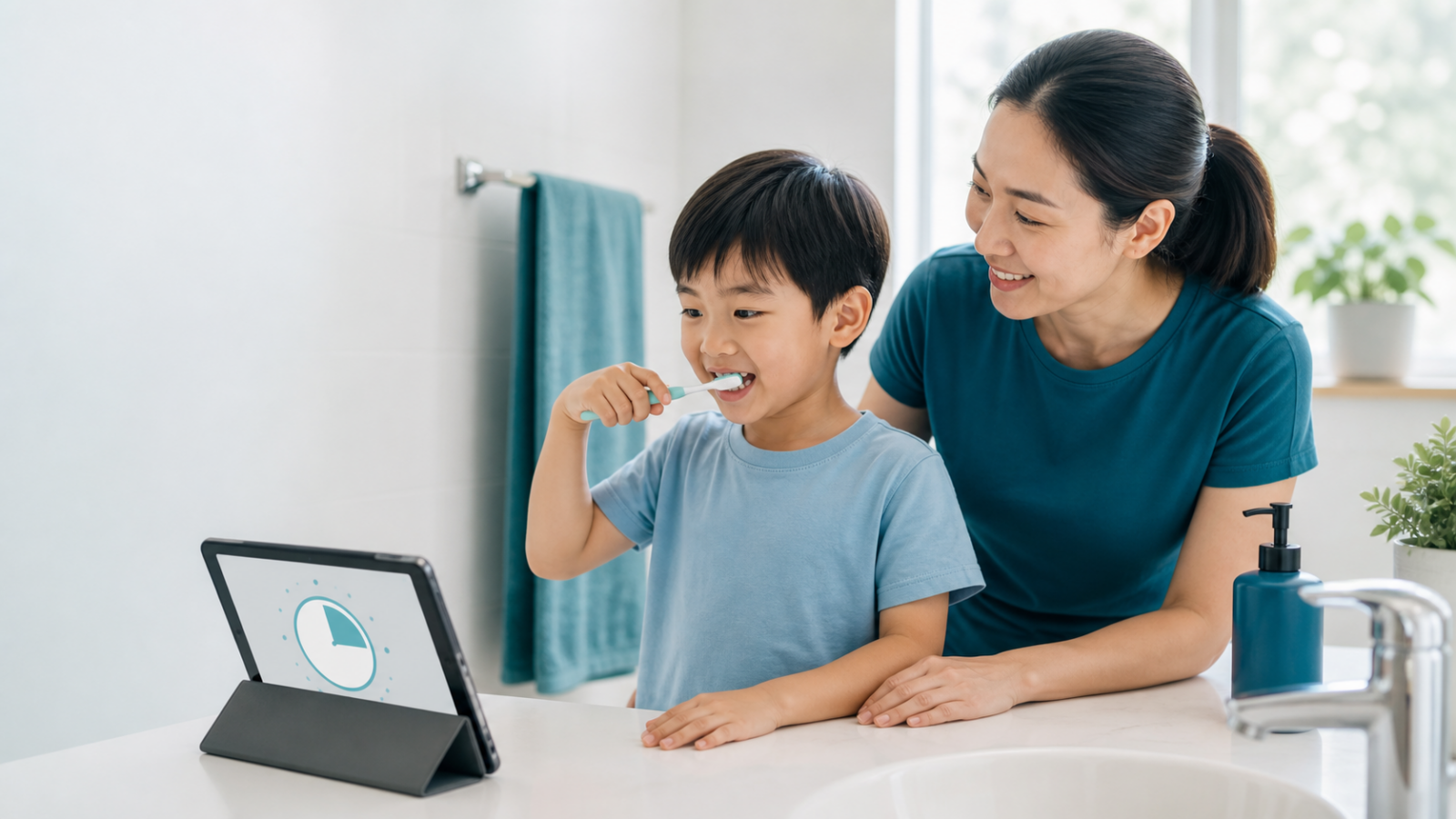
A brushing app can make a routine more engaging, but it cannot confirm that every tooth has been cleaned. Choose an app that helps a parent guide brushing rather than one that distracts from it. A simple timer or song can also work.
1. Does it help you follow a routine?
Look for a clear timer and instructions your child can understand. You should be able to pause or repeat a section while helping with an area that was missed. Finishing a game is not proof of effective cleaning.
2. Can an adult stay involved?
Children need help appropriate to their age and skills. Keep responsibility for checking and assisting with brushing; do not let an app’s score replace that judgement. Ask the dentist to demonstrate an age-appropriate technique and toothpaste amount. HealthHub: children’s oral care
3. Are privacy and costs acceptable?
Check permissions, advertising, in-app purchases and whether a camera or account is needed. Read the current store information before installing. Availability and features can vary by device and country, so an old recommendation may no longer match the version available to you.
4. Does it keep brushing safe and focused?
Place the phone away from water and where an adult can see it. The child should not need to move around or focus on tapping the screen while a toothbrush is in the mouth. Stop using the app if it makes the routine rushed or stressful.
5. Does it suit your child over time?
Choose gentle encouragement rather than a reward system that causes arguments. Review whether it still helps after the novelty fades. It is fine to switch to a non-screen timer or familiar song.
An example to explore
Pokémon Smile’s official website describes a game built around toothbrushing. Review its current device requirements and privacy information yourself. Its inclusion is an example, not a clinical endorsement or a claim that it prevents cavities better than other routines.
Build the habit around dental care
An app supports the routine; it does not choose toothpaste, assess decay or replace dental visits. Read our child’s first dental visit guide and everyday care for baby teeth. Mention brushing difficulties at the next assessment so advice can fit your child.
Arrange an assessment
Find a Teeth Q clinic or request a dental appointment. Explain your concern when booking so the clinic can advise on the appropriate next step.
General information only. This article does not replace an individual examination, diagnosis or treatment plan.